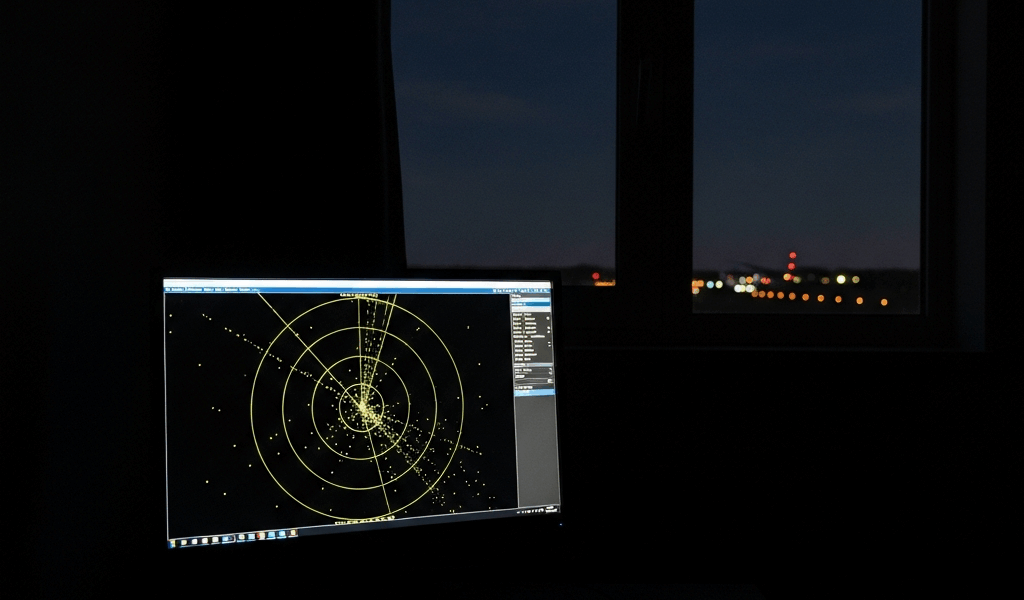
Why Your ADS-B Receiver Gets No Planes at Night
ADS-B troubleshooting has gotten complicated with all the conflicting advice flying around. As someone who built their first receiving station in suburban Atlanta back in 2019 — a $22 RTL-SDR V3 dongle, a homemade coaxial collinear, and way too much free time — I learned everything there is to know about this exact problem. Today, I will share it all with you.
Here’s the scenario: your FlightAware map is alive during the day. Dozens of aircraft, constant chatter, everything working. Then 11 p.m. hits and the feed goes graveyard quiet. You’re refreshing at 2 a.m. wondering if the dongle finally gave up. Probably should have opened with this section, honestly — but “no planes at night” almost never means one single thing. It means you need to check four separate systems, in the right order, before touching a single cable.
Traffic Actually Does Drop at Night
Accept this baseline first. Commercial and general aviation traffic genuinely collapses between roughly midnight and 5 a.m. local time. Not a receiver problem. Just aviation.
A typical Class B airspace during daylight might show 400–600 transponder-equipped aircraft within a 50-mile radius. By 2 a.m., you’re looking at 80–120. Flight schools close. Corporate jets park. Personal aircraft sit in hangars. Visual flight rules traffic — the bulk of low-altitude daytime activity — is legally restricted to daylight and twilight hours. What remains overnight is cargo runs, red-eyes, the occasional medevac.
Five aircraft instead of fifty doesn’t mean your hardware broke. Your airspace just has less traffic. Verify this in under two minutes: open FlightAware or Flightradar24, zoom to your location, check the real-time feed. Twenty aircraft on their map and three on yours? Receiver problem. Five on both? Your station is fine. That distinction alone saves hours of pointless troubleshooting.
Gain Settings That Work in the Day Can Fail at Night
But what is receiver gain, really? In essence, it’s how aggressively your RTL-SDR amplifies incoming signals. But it’s much more than that — it amplifies noise too, and that’s where things fall apart after dark.
During the day, nearby aircraft blast strong signals. High gain helps catch weaker, distant traffic without drowning anything out. At night, thin traffic means fewer strong nearby signals. That same high gain now amplifies background RF noise so aggressively that the weak distant aircraft just disappear into the static. Signal-to-noise ratio collapses — a problem that didn’t exist twelve hours earlier.
The fix is counterintuitive. Lower your gain at night. Using dump1090? The default autogain flag is -10. Reasonable starting point. But many operators find manually capping gain between 35 and 49.6 dB pulls in dramatically more weak-signal traffic during sparse overnight periods. I’m apparently an outlier who runs 43.9 dB and it works great, while autogain never quite worked for my setup. Don’t make my mistake of assuming the default is optimized for your location.
Test this live. Drop gain by 10 dB right now. Wait five minutes. Check the message rate counter in dump1090 and note unique aircraft. Raise it back 5 dB. Wait again. Most people find a sweet spot 10–15 dB lower than their daytime setting — though the exact number depends on your antenna, location, and local RF environment. Start at 49.6 and work upward in 5 dB steps until new aircraft stop appearing.
Atmospheric Conditions Change RF Propagation After Dark
Temperature inversions happen overnight. Not hypothetically — physically, they bend and weaken 1090 MHz signals in ways that daytime conditions simply don’t.
Daytime ground heating creates vertical mixing in the troposphere. Signals propagate in relatively predictable paths. After dark, the ground cools faster than the air above it. A stable nocturnal inversion forms — warm air sitting over cool air near the surface. Signals refract differently in this setup. Some distant aircraft vanish. Others arrive from unexpected directions via unusual paths. That’s what makes nighttime propagation so maddening to diagnose.
Frustrating part: you can’t really fix this without relocating your antenna or upgrading your LNA. But you can confirm it quickly. If your coverage range compresses equally in every direction at night — and Flightradar24 shows dozens of aircraft your receiver completely misses — atmospheric conditions are the likely culprit. Check weather conditions when it happens. Clear, still nights with calm winds tend to produce the strongest inversions. Document the pattern. If it repeats consistently on similar weather nights, you’ve confirmed the atmosphere is limiting you, not the equipment.
Antenna and Cable Issues That Hide Until Traffic Gets Sparse
A marginal SMA connector handles strong nearby daytime signals without complaint. Then 1 a.m. arrives and you need to pull in a weak signal from a cargo 737 at 35,000 feet — and that marginal connection finally matters.
Corroded SMA connectors are the most common culprit. The threaded brass fittings corrode in humid environments, adding impedance and reducing signal strength by 1–3 dB per connection. Daytime traffic is loud enough that you never notice. Overnight, with signals already weak, 3 dB pushes you below the noise floor entirely. Moisture inside coaxial cable produces the same effect — just more gradually.
Inspect your connection right now. Unscrew the SMA connector from your antenna and look at the center pin and barrel. Shiny brass? You’re fine. White, blue, or green discoloration? That’s corrosion. A pack of SMA connector covers runs about $8 on Amazon — use them. For existing corrosion, contact cleaner and a small brass brush restores conductivity in maybe five minutes. While you won’t need a full RF lab, you will need at least a decent contact cleaner and a magnifying glass to spot early-stage corrosion.
Also check the coax. Outdoor cable that’s been exposed for over a year without weatherproofing, showing cracks in the outer jacket, has almost certainly taken on moisture. Budget $20–$40 for quality replacement coax — LMR-240 or equivalent. First, you should compare signal strength on a known daytime flight against a similar-altitude overnight flight — at least if you want a quick baseline before pulling cable. Fifty percent lower signal strength on the night flight points directly at your connections or cable.
How to Confirm Your Receiver Is Actually Working
Before assuming hardware failure, run through this checklist.
- Check your decoder message rate. Open dump1090 or readsb and watch the message rate counter. A working receiver logs at least 100–500 messages per minute even during sparse traffic periods. Anything below 50 per minute suggests a hardware or RF problem — not just a quiet night.
- Compare your coverage map directly against a public feeder on ADSBexchange or Flightradar24. Same time window, overlaid. Forty aircraft on their map and five on yours? Your receiver is the bottleneck. This two-minute check is the single most useful diagnostic in this whole process.
- Look for any aircraft at all. Complete silence — zero messages for a full hour — likely means your RTL-SDR, antenna, or coax is damaged. A handful of aircraft appearing? Hardware is functional. That’s what makes the message rate check so useful: it separates “broken” from “limited.”
So, without further ado, here’s the priority order once you’ve confirmed the receiver is running: gain first, antenna and cable second, atmospheric conditions third. That sequence eliminates the fixable problems before accepting the ones you can’t control.
Your ADS-B receiver isn’t broken. It’s fighting physics after midnight. And sometimes the only winning move is acknowledging that five cargo flights and a medevac helicopter is exactly what your airspace actually has right now.


Stay in the loop
Get the latest aerodata updates delivered to your inbox.