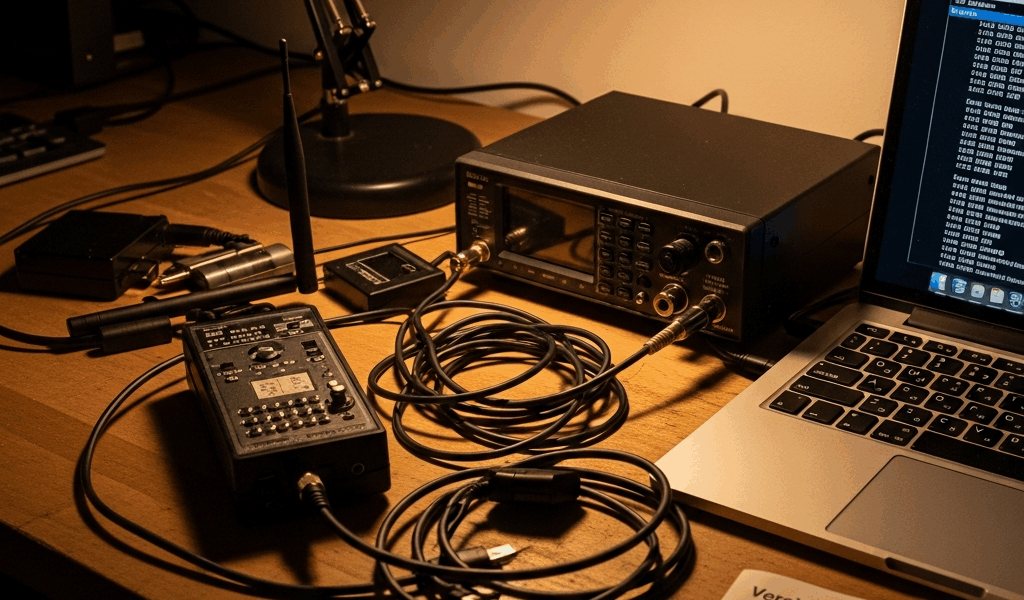
Why ADS-B Stops Working After a Firmware Update
ADS-B troubleshooting has gotten complicated with all the conflicting advice flying around — Reddit threads blaming hardware, vendor forums pointing at software, GitHub issues that only apply to one specific dongle from 2019. As someone who spent three separate weekends debugging this exact failure across different hardware setups, I learned everything there is to know about why ADS-B dies after a firmware update. Today, I will share it all with you.
The short version: it’s almost never the update itself. It’s what the update quietly resets, disables, or overwrites on the way through. Fifty aircraft an hour yesterday. Zero today. Same hardware. That gap has a specific cause — usually one of three.
What Actually Changes When Firmware Updates
But what is a firmware update actually touching? In essence, it’s a software replacement for your receiver’s low-level instructions. But it’s much more than that.
Three distinct layers can fail independently: the receiver firmware itself, your feeder software (dump1090, readsb, PiAware — pick your flavor), and OS-level drivers underneath everything. Most people go straight to blaming the hardware. That’s almost always wrong.
Receiver firmware resets gain to factory defaults. Feeder software updates disable systemd services — leaving your decoder technically installed but completely stopped. OS updates on a Raspberry Pi reload kernel modules in a different order, and suddenly your RTL-SDR dongle is invisible to the entire system. Each failure looks identical from outside: nothing on the map. No errors. Just silence.
The difference between a gain reset and a driver conflict is about 29 minutes of your Saturday. Diagnostic order matters enormously here.
Check Your Gain Settings First
Start here. Quickest win by far.
Firmware and feeder software updates routinely reset SDR gain to automatic or flat zero. A gain value of -10 or 0 after an update isn’t hardware failure — it’s expected behavior from the installer assuming you want defaults. Fixable in under a minute.
On a Raspberry Pi running dump1090-fa, pull up the configuration file:
/etc/default/dump1090-fa
Find the line reading GAIN=-10 or GAIN=0. If that’s sitting there and your RTL-SDR dongle was previously running between 45 and 55 — which is typical for most setups — the update wiped your setting. Change it back, then restart:
sudo systemctl restart dump1090-fa
Running readsb instead? Same process, different file — check /etc/default/readsb and look for the identical GAIN= line.
I’m apparently sensitive to gain changes in ways I didn’t expect, and a value of 49 works for me while auto-gain never gets me above 20 aircraft on a clear day. Don’t make my mistake of assuming the default is fine. It usually isn’t.
Verify the Decoder Is Actually Running
Probably should have opened with this section, honestly.
Package upgrades mask or disable systemd services without asking. Your feeder software sits there fully installed — just completely stopped. No error messages, no warnings. Nothing running means nothing received.
Check it directly:
sudo systemctl status dump1090-fa
Healthy output shows active (running). A broken result shows inactive (dead) or the particularly annoying masked state.
Dead service? Restart it:
sudo systemctl restart dump1090-fa
Masked — which happens after aggressive package upgrades remove the service enablement — requires an extra step:
sudo systemctl unmask dump1090-fa
Then lock it in for future reboots:
sudo systemctl enable dump1090-fa
That’s what makes this failure endearing to us hobbyists — ten seconds of commands to undo what an automated package manager did quietly at 2 AM. Run the same checks for readsb or whatever feeder you’re using. The command structure is identical across all of them.
USB Device Recognition Issues After Updates
Kernel updates on Linux can make your RTL-SDR dongle disappear entirely. Physically plugged in. Powered. Completely invisible to the system.
Check whether the device registers at all:
lsusb | grep Realtek
A recognized dongle returns something like Bus 001 Device 004: ID 0bda:2832 Realtek Semiconductor Corp. Nothing returned means the OS doesn’t see it.
Go deeper with rtl_test:
rtl_test -t
Device shows up in rtl_test? USB recognition is fine — problem is elsewhere, go back to gain or service status. Device fails entirely? Driver conflict. The rtl2832u kernel module fights with DVB drivers that sometimes re-claim the dongle after an OS update. Blacklist them:
sudo bash -c 'echo "blacklist dvb_usb_rtl28xxu" >> /etc/modprobe.d/rtl-blacklist.conf'
sudo bash -c 'echo "blacklist dvb_usb_v2" >> /etc/modprobe.d/rtl-blacklist.conf'
Reboot, test again. This new blacklist approach took off several years back in RTL-SDR communities and eventually evolved into the standard fix enthusiasts know and rely on today. Frustrating the first time you hit it — obvious in retrospect.
How to Roll Back or Lock Your Feeder Version
So, without further ado, let’s dive into keeping this from happening again.
While you won’t need to freeze your entire OS, you will need a handful of apt commands to pin your feeder software. Lock it to the current version once it’s working:
sudo apt-mark hold dump1090-fa
Check available versions and identify the last stable release before things broke:
apt-cache policy dump1090-fa
Rolling back to a specific version means unholding first:
sudo apt-mark unhold dump1090-fa
Then install by version number:
sudo apt-get install dump1090-fa=8.2
Re-hold immediately after.
Manual updates during daylight hours might be the best option, as ADS-B feeder software requires active verification after every change. That is because automated overnight updates remove the one thing that actually catches problems — you being awake to notice them. A hobby setup you’ve put $100 to $300 into — FlightAware Pro Stick Plus, Raspberry Pi 4, good antenna cable — deserves better than a silent failure at 3 AM.
Gain settings, service status, USB recognition. Those three cover 95% of post-update failures. Work through them in order and you’ll be back online well within the hour.



Stay in the loop
Get the latest aerodata updates delivered to your inbox.